
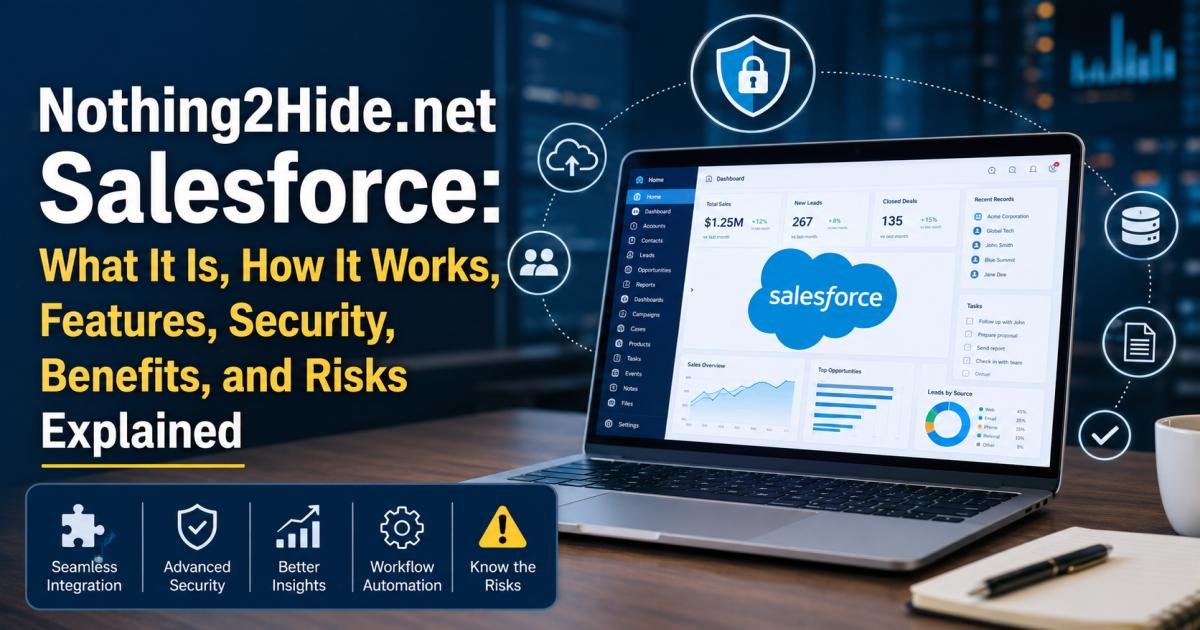

People searching “nothing2hide.net salesforce” are usually trying to answer one question: is this a real Salesforce product, and is it safe to connect to a company’s CRM? Based on a review of public sources, the direct answer is that no independent evidence confirms Nothing2Hide.net as an official Salesforce product, a registered Salesforce partner, or a listed AppExchange application. Descriptions of it online are also inconsistent — some call it a security add-on for Salesforce, others describe it as a general privacy blog that occasionally covers Salesforce topics. That mismatch alone is a reason to slow down before connecting real customer data, login credentials, or API access to anything using this name.
This guide covers what the term appears to mean, how a Salesforce integration actually works, the real security controls Salesforce provides, the genuine benefits and risks of third-party Salesforce tools in general, and a step-by-step way to verify legitimacy before trusting anything with this name — or any similar one.
What Is Nothing2Hide.net Salesforce?
“Nothing2hide.net salesforce” is a search term that shows up across dozens of blog-style articles, many on websites with no clear connection to CRM software, cybersecurity, or Salesforce consulting. The articles describe it in different, sometimes contradictory ways: as encryption middleware, as an “enhancement layer,” or simply as a topic covered by a general privacy blog. Salesforce’s own AppExchange marketplace and Partner Finder directory show no listing under this name, and no independent news coverage or verified company registration turned up during research for this guide. Until that changes, the safest working assumption is that this is not an established, verifiable Salesforce product.
How Does Nothing2Hide.net Salesforce Work?
The Basic Concept
Most articles describing nothing2hide.net Salesforce use the same general idea: a layer that sits between users and a Salesforce org, encrypting data and controlling who can see it. That category of tool is real — data governance and security middleware exist across the CRM industry — but a category existing doesn’t confirm that this specific, named provider does. So how does a legitimate version of that idea actually work?
How a Typical Salesforce Integration Works
Most legitimate Salesforce integrations connect through a Connected App, which uses OAuth to request specific, limited permissions — called scopes — rather than blanket access. An admin approves the app, sets which scopes it can use, and can review or revoke that access at any time from Setup. A tool that skips this model, or asks for a full username and password instead of an OAuth connection, isn’t following standard Salesforce integration practice.
What Happens to Data During an Integration?
When a Connected App is authorized, Salesforce data flows to the third party’s own servers for whatever processing that provider claims to perform. From that point, protection depends on the provider’s own security practices, not Salesforce’s. That’s the central reason identity verification matters before any integration goes live.
Key Features to Look for in a Nothing2Hide.net Salesforce Solution
So what should a real Salesforce tool actually be able to show? Since no verified specification exists for this specific name, the features below reflect what a legitimate third-party Salesforce tool should document and prove — not confirmed facts about nothing2hide.net.
Salesforce CRM Integration
A real integration names its exact connection method — Connected App, Named Credential, or a documented API — and lists the specific objects and fields it touches.
Data Synchronization
Legitimate sync tools disclose sync frequency, conflict-resolution rules, and what happens to data if the connection is removed.
User and Permission Management
Trustworthy providers map their own access controls to Salesforce profiles and permission sets rather than granting one shared login to every user.
API Connectivity
Genuine API-based tools reference Salesforce’s REST or Bulk API documentation directly and publish their rate limits and error-handling behavior.
Third-Party Application Compatibility
Established tools typically list which Salesforce editions — Professional, Enterprise, Unlimited — and which other AppExchange apps they’ve been tested against.
Nothing2Hide.net Salesforce Security: Is It Safe?
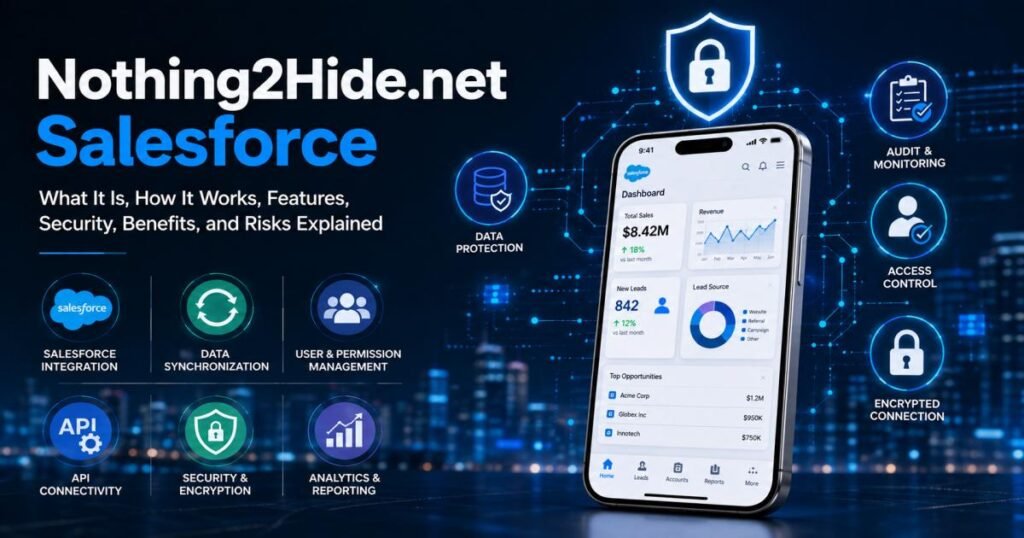
There’s no single yes-or-no answer here. Two separate questions are actually being asked: whether Salesforce itself is secure, and whether an unverified third party layered on top of it is. Salesforce’s own security is well documented and strong. What happens once data leaves the org through an unverified tool is a separate question entirely.
Why Security Matters With Salesforce Data
A Salesforce org holds contact details, deal history, and sometimes payment or support data for every customer a business has. What actually goes wrong when an integration isn’t vetted? Usually it’s not a flaw in Salesforce itself — it’s a gap in what was connected to it.
Salesforce’s Built-In Security Controls
Salesforce serves more than 150,000 businesses worldwide and has required multi-factor authentication for direct logins since 2022; 2026 enforcement updates extended that requirement to all employee users across both sandbox and production environments. Standard controls also include profiles, permission sets, org-wide defaults, sharing rules, login IP ranges, session timeout limits, and a Setup Audit Trail that logs configuration changes.
Encryption and Data Protection
Salesforce encrypts data in transit using TLS by default and encrypts data at rest at the storage layer. Businesses with stricter compliance needs can add Salesforce Shield, which layers on Platform Encryption with customer-controlled keys, Event Monitoring, and longer field history retention.
Auditing and Monitoring
Admins can review Login History, the Setup Audit Trail, and — with Shield — Event Monitoring logs to see who accessed what data and when, including access made through a connected third-party app.
Third-Party Security Is a Separate Question
None of Salesforce’s built-in protections extend to what a third party does with data once it leaves the org. From there, the third party’s own security practices, contracts, and data handling policies decide what happens to it — not Salesforce.
Benefits of Using Salesforce With a Third-Party Resource or Integration
Third-party Salesforce integrations, when they’re built well and vetted properly, offer real advantages. These are the same core benefits regardless of whether the tool is a household name or something new.
Centralized Customer Data
A good integration pulls scattered customer information into one place instead of leaving it spread across several disconnected tools.
Better Workflow Efficiency
Connecting Salesforce to email, calendars, or support tools cuts down on the number of screens a team switches between each day.
Reduced Manual Data Entry
Sync tools remove the need to copy the same contact or deal information into multiple systems by hand.
Improved Visibility
Combined data gives managers a fuller picture of the customer relationship than Salesforce alone would show.
Automation Opportunities
Many integrations add triggers — for example, automatically creating a task when a deal reaches a certain stage.
Better Reporting
Bringing outside data into Salesforce lets reports and dashboards reflect a more complete picture of the business.
Risks and Limitations of Nothing2Hide.net Salesforce
What could actually go wrong if an unverified tool got real access to a live CRM? The categories below cover the most common failure points, regardless of which specific provider is involved.
Data Privacy Risks
Any unverified tool that gains access to Salesforce data could store, share, or lose that data in ways a business never agreed to.
Excessive Permissions
Some integrations request far more access than the task requires — for instance, asking for edit access to every object instead of the one or two it actually needs.
Credential and Account Risks
A tool asking for a direct Salesforce username and password, instead of an OAuth-based Connected App, is a warning sign; it typically means the provider can’t show what it actually accesses.
Integration and API Risks
Poorly built integrations can create duplicate records, overwrite fields, or hit API limits that disrupt normal Salesforce use for everyone in the org.
Compliance Considerations
Businesses handling regulated data — health records under HIPAA, EU personal data under GDPR — typically need a signed data processing agreement with any third party before connecting it to that data, something an unverifiable provider can’t offer.
Nothing2Hide.net Salesforce vs. Official Salesforce Services
Knowing the difference between an official resource and an independent one is often the fastest way to judge a claim like this.
Official Salesforce Platform
Salesforce’s own products, documentation, and support come from salesforce.com, its Trailhead training platform, and its verified Trust status page.
Third-Party Salesforce Resources
Independent blogs, consultants, and AppExchange developers make up a large, mostly legitimate ecosystem — but each one carries a different, unverified level of trustworthiness until checked individually.
How to Tell the Difference
Look for a salesforce.com domain, or a listing in Partner Finder or AppExchange under a real company name — that’s what marks an official resource. Anything without those markers hasn’t been vetted by Salesforce at all.
How to Verify Whether Nothing2Hide.net Is Legitimate
How can anyone actually confirm this before trusting it with real data? A handful of concrete checks answer that, and they work for any unfamiliar Salesforce tool, not just this one.
Check the Website Domain
Look at how long the domain has been registered and whether it has a consistent content history, rather than a recent pattern of unrelated topic changes.
Look for a Clear Company Identity
A legitimate provider usually publishes a real company name, physical address, and named leadership, not just a generic “About” page.
Read the Privacy Policy and Terms
A privacy policy that’s missing, vague, or copied from another site generally signals the provider hasn’t thought through — or doesn’t want to disclose — how it handles data.
Check for Salesforce AppExchange Presence
Search the AppExchange directly by name — a real Salesforce-integrated product usually appears there with reviews, install counts, and a support contact.
Verify Claimed Salesforce Partnerships
Salesforce maintains a public Partner Finder directory. A provider claiming to be a Salesforce partner should appear in it.
Examine Requested Permissions
Before authorizing any Connected App, check the exact OAuth scopes it requests in Setup. Scopes broader than the tool’s stated purpose are a reason to stop and ask questions.
How to Use Salesforce More Securely
Regardless of what nothing2hide.net salesforce turns out to be, these are the same habits that protect any Salesforce org from an unverified integration — or a compromised login.
Enable Multi-Factor Authentication
Salesforce now requires MFA for direct logins, and 2026 enforcement updates tightened that further. Unenrolled users should set this up immediately.
Follow the Principle of Least Privilege
Give each user, and each connected app, only the access their role actually requires — nothing more.
Review Profiles and Permission Sets
Periodically audit who holds administrator-level profiles; that access typically expands over time as roles change.
Monitor Login Activity
Check Login History for unfamiliar locations, IP addresses, or login times.
Review Setup Audit Trail
This log shows configuration changes — including new Connected Apps — and is typically the fastest way to spot an unauthorized integration.
Track Sensitive Field Changes
Field History Tracking, or Field Audit Trail with Shield, records who changed sensitive fields, like payment status or contact details, and when.
Who Should Consider a Salesforce Third-Party Integration?
Third-party integrations aren’t right for every team, but a few patterns show up often among the businesses that get real value from them.
Small Businesses
Teams without dedicated IT staff often get the most value here — an integration that removes repetitive data entry frees up hours that would otherwise go to copy-pasting contact records between tools.
Growing Companies
Once a company scales past a handful of Salesforce users, reporting gaps and manual handoffs tend to show up faster than most teams expect, which is usually when automation and better dashboards start to pay off.
Sales Teams
Reps spend a lot of the day in email and on calls, so an integration that logs that activity straight into Salesforce records — without manual entry after every call — tends to save real time each week.
Customer Support Teams
Support teams gain the most when ticket history sits on the same record as the sales relationship, since that context helps a rep resolve a case without asking the customer to repeat themselves.
Marketing Teams
Marketing teams typically rely on integrations to move campaign and lead data into Salesforce automatically, rather than exporting spreadsheets by hand after every campaign.
Who Should Be Careful About Using It?
Other teams have more to lose than to gain from connecting an unverified tool to their CRM.
Businesses Handling Sensitive Customer Data
Healthcare, financial, and legal businesses carry the highest risk from an unverified integration — a data leak in those fields brings legal exposure on top of reputational damage.
Organizations With Strict Compliance Requirements
Any business already under an active compliance framework — HIPAA, GDPR, SOC 2 — typically needs a signed agreement before connecting a new vendor, not just a sales pitch.
Users Who Cannot Verify the Provider
If a company name, privacy policy, or AppExchange listing can’t be confirmed, waiting is usually the safer choice over connecting real data.
Nothing2Hide.net Salesforce: Pros and Cons
Pros
- Potential Salesforce-related information or general integration guidance
- May help users understand common Salesforce workflows
- Possible productivity benefits, if the underlying integration works as described
- Could simplify certain repetitive tasks
- Salesforce itself provides extensive, well-documented security controls regardless of any third party
Cons
- Its relationship with Salesforce must be independently verified before trusting it
- Third-party security practices may differ significantly from Salesforce’s own
- Privacy and data-sharing terms raise open questions
- Integration errors, if the tool is poorly built, can affect real CRM data
- Secure configuration of any connected tool remains the customer’s own responsibility
Common Mistakes to Avoid With Nothing2Hide.net Salesforce
Most problems with a tool like this don’t come from the tool itself — they come from skipping a basic check beforehand.
Assuming It Is an Official Salesforce Product
Nothing in Salesforce’s own documentation, AppExchange, or Partner Finder directory currently confirms this name — treat any claim of official status as unverified until proven otherwise.
Ignoring Requested OAuth Permissions
Skipping the review step during Connected App authorization is typically how integrations end up with far more access than intended.
Skipping the Privacy Policy
A privacy policy that’s missing or copied from elsewhere is typically the single fastest red flag to check.
Failing to Monitor Connected Applications
Once authorized, a Connected App often keeps access indefinitely; admins who never review Setup’s Connected Apps OAuth Usage list can lose track of what has access to their data.
Final Verdict
Based on what’s publicly verifiable today, there isn’t enough evidence to call Nothing2Hide.net Salesforce an official, established, or independently confirmed product. Descriptions of it vary too much from source to source, and it carries none of the usual markers of a real Salesforce partner or AppExchange app. That doesn’t necessarily mean it’s a scam — it means it hasn’t been verified, and those two things aren’t the same. Anyone encountering this name should apply the same checklist used for any unfamiliar Salesforce tool: confirm the company, read the privacy policy, check the AppExchange and Partner Finder, and review exactly what permissions it requests before connecting anything real. Salesforce’s own built-in security tools already cover most legitimate needs without requiring an unverified third party at all.
FAQs
What is Nothing2Hide.net Salesforce?
It’s a search term describing an unverified product or resource associated with Salesforce. Public sources disagree on what it actually is, and no independent confirmation of an official product exists.
Is Nothing2Hide.net part of Salesforce?
No — Salesforce has never listed or acknowledged it as part of its platform, AppExchange, or partner network.
Is Nothing2Hide.net an official Salesforce product?
Not based on currently available evidence — it doesn’t appear in Salesforce’s AppExchange or Partner Finder directory.
Is Nothing2Hide.net safe to use with Salesforce?
That can’t be confirmed either way from public information. Treat it the same as any unverified third party: don’t connect real credentials or customer data until its identity and security practices are confirmed independently.
Does Nothing2Hide.net integrate directly with Salesforce?
No public source confirms a verified integration method — a Connected App, a published API, or an AppExchange listing.
Can Nothing2Hide.net access Salesforce customer data?
Only if a user actively grants access, typically through login credentials or an authorized Connected App. Without that action, it has no built-in access to any Salesforce org.
What Salesforce security features protect connected data?
Multi-factor authentication (mandatory since 2022), profiles and permission sets, org-wide defaults, login IP restrictions, Setup Audit Trail, and — for higher compliance needs — Salesforce Shield’s Platform Encryption and Event Monitoring.



[…] guide walks through what UploadWords. com technology actually does, how each feature works, who tends to use it, and where its limits are. By the end, you’ll know whether it fits into […]
[…] VocalNewsMedia com content leans toward short, practical, easy-to-scan articles. Recent posts cover everyday wellness habits, healthy eating tips, occasion-based writing like anniversary messages, and more technical explainers on subjects such as cloud migration checklists and what to do after clicking a phishing link at work. […]