
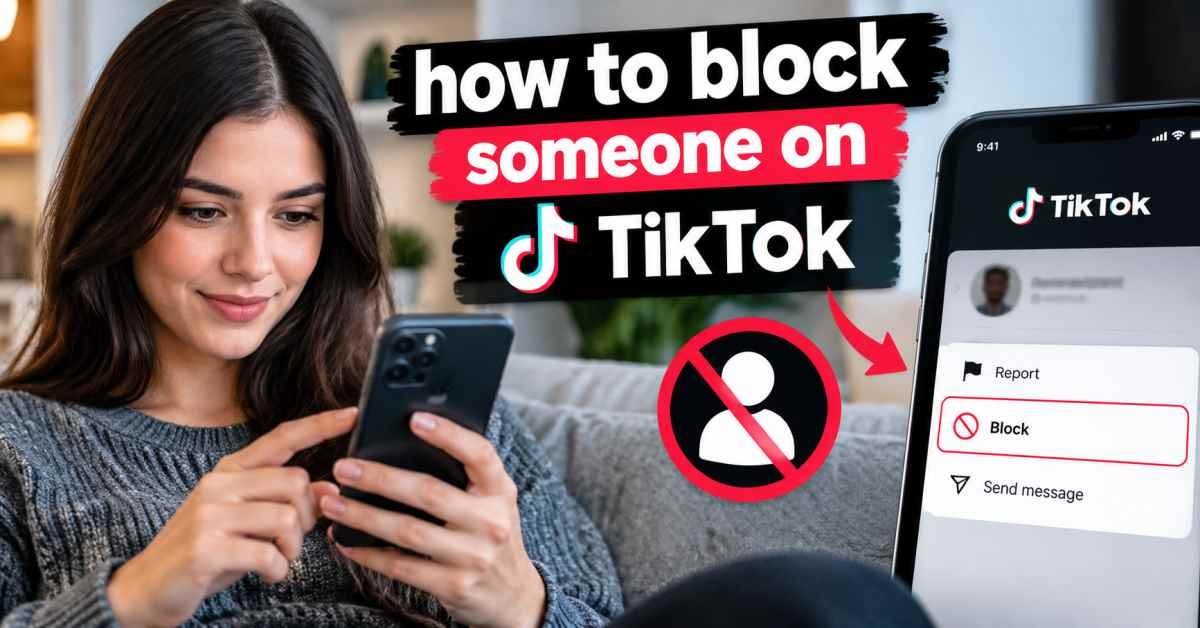

TikTok is designed for sharing videos, meeting new people, and joining conversations, but not every interaction feels welcome. Spam, unwanted messages, repeated comments, or an account that you simply do not want to interact with can make the app uncomfortable.
Knowing how to block someone on tiktok gives you a direct way to stop unwanted interaction. The process is simple, and TikTok provides a blocking option from a user profile. The current TikTok support flow uses the Share button at the top of a profile, followed by the Block option and confirmation.
I focus on the quickest method first because most people searching this topic need an answer they can use immediately. I also cover what blocking changes, whether TikTok sends a notification, how to unblock an account, and which privacy settings can provide additional control.
For me, blocking is different from simply ignoring an account. Ignoring leaves the connection available, while blocking creates a stronger boundary around profile access and interaction. Knowing that difference can make the decision much easier.
How to Block Someone on TikTok
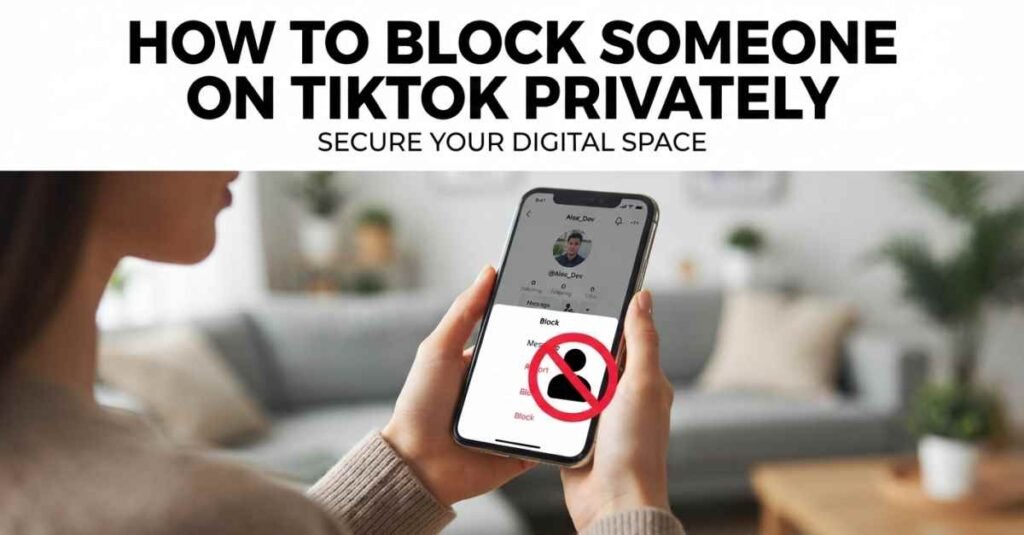
The most direct method is to open the account profile and use the Block option. TikTok describes the profile route through the Share button at the top of the account page. Menu appearance can vary across app versions, so the icon may look slightly different on some devices.
1. Open the TikTok profile
Open TikTok and locate the account that you want to block. A profile can usually be reached through search, a video, a comment, or an existing follower or following list.
2. Open the profile menu
Tap the Share button near the top of the profile. A menu with account actions will appear. On some versions, the menu icon can look different, so focus on the profile options rather than a specific icon shape.
3. Select Block
Find and tap Block. TikTok presents a confirmation step before the block is completed.
4. Confirm the block
Tap Block again to confirm. The account is then added to your list of blocked accounts.
For someone asking how do i block someone on tiktok, this profile method is normally the easiest answer. For someone asking how do you block someone on tiktok from a comment or message, TikTok and current guides also describe additional routes.
Other ways to block an account
A profile is not the only place where blocking can be useful.
- From a comment, press and hold the relevant comment and look for the available account action options.
- From a direct message, open the conversation and use the account or chat options to access blocking.
- During some TikTok interactions, account moderation tools may also provide a block option.
Current guides on TikTok blocking commonly describe routes for profiles, comments, and direct messages. The exact buttons can change as TikTok updates the interface.
What Happens When You Block Someone on TikTok
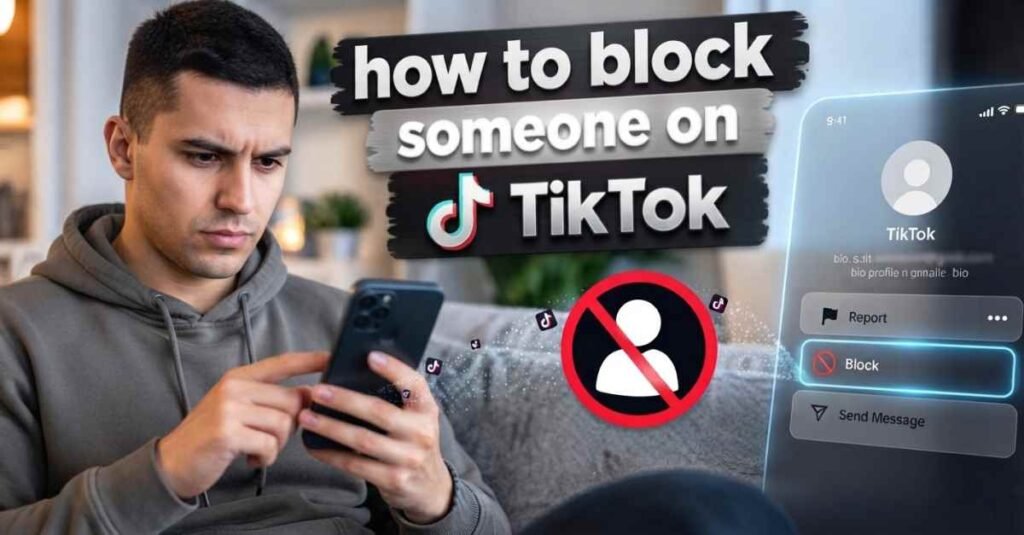
Blocking is more than removing an account from a follower list. TikTok describes blocking as a way to prevent an account from viewing your content and interacting with you through the platform. Current guidance and recent practical guides also describe restrictions on direct messages and other interactions.
The important effects can be summarized like this.
| Action | What generally changes when blocking |
| Profile access | The blocked account cannot normally access your profile |
| Video access | The blocked account cannot normally view your TikTok content |
| Direct messages | The blocked account cannot send you any direct messages. |
| Comments | The blocked account cannot interact with your content through comments |
| Likes and interaction | Normal interaction between the accounts is restricted |
| Follow connection | The existing connection is removed |
| Blocked list | The account can be reviewed later from the Privacy settings |
TikTok also notes that blocking affects the connection between accounts, while some shared spaces, such as certain group interactions or LIVE situations, can work differently. Older guides sometimes describe blocking as complete invisibility in every TikTok feature, so readers should avoid assuming that every shared environment disappears.
Does blocking delete everything from the past
Blocking should not be confused with deleting content. A block controls future access and interaction. It does not mean that a video posted by another creator suddenly becomes deleted from TikTok.
Past comments, likes, shared spaces, or other interactions can behave differently depending on the TikTok feature involved. Because TikTok changes product behaviour and interface details, checking the current app after blocking is the safest way to confirm a specific interaction.
Can you block someone on TikTok without following the account
Yes. A person does not need to be a follower to use a block. Opening an account profile and selecting Block can stop unwanted interactions, even if there is a normal follower relationship.
This is especially useful for spam accounts, strangers, repeated unwanted contacts, or accounts discovered through public comments.
Does TikTok Notify Someone When You Block Them
TikTok does not send a direct notification announcing that an account has been blocked. Current guides consistently describe the block as a silent action.
A person might still realize that access has changed. For example, an account that previously appeared in search may no longer be accessible in the same way, and normal interaction may no longer work.
That difference is important. A lack of notification does not mean the account can never notice a change. It only means TikTok does not normally send a specific alert when a block occurs.
For me, this makes blocking useful when a direct conversation is unnecessary. I can use the privacy tool without starting another conversation about the reason for the decision.
What might alert the blocked person indirectly
A person could suspect a block if:
• A profile becomes inaccessible
• Videos can no longer be viewed
• Direct communication stops working
• Normal interaction with content is no longer possible
• A previous connection disappears
None of these signs is a notification from TikTok. A person simply may notice a change while using the platform.
How to Unblock Someone on TikTok
Blocking does not have to be permanent. TikTok provides a blocked accounts area where previously blocked accounts can be reviewed. The official TikTok Help Centre currently shows this path: Profile, Menu, Settings and privacy, Privacy, and Blocked accounts.
1. Open your TikTok profile
Open TikTok and tap Profile at the bottom of the screen.
2. Open Settings and privacy
Tap the Menu button at the top, then select Settings and privacy.
3. Open Privacy
Select Privacy to access your account privacy controls.
4. Open blocked accounts
Find blocked accounts. TikTok may require some scrolling before the option appears.
5. Select Unblock
Find the account and tap Unblock. Follow the confirmation shown by TikTok.
I would check the blocked accounts list instead of trying to remember a username. This is especially helpful when several accounts have been blocked over time.
Unblocking reverses the block, but it should not be treated as automatically restoring every previous connection or interaction. A follow-up relationship or another account relationship may need to be reestablished.
Blocking vs Reporting Someone on TikTok
Blocking and reporting serve different purposes.
Blocking is mainly a personal account control. It prevents a specific account from interacting with your TikTok presence in the ways covered by the block.
Reporting is different. TikTok allows accounts to be reported when content or account behaviour may violate the Community Guidelines. TikTok’s current reporting flow includes opening the person’s profile, selecting Share, choosing Report, selecting Report account, choosing a reason, and submitting the report.
When blocking makes sense
Blocking can be useful for:
• Unwanted contact
• Repeated spam
• Persistent comments
• An account you simply do not want interacting with you
• Personal privacy boundaries
When reporting makes sense
Reporting can be appropriate when an account or its content may violate TikTok rules. Examples listed by TikTok include impersonation and the creation of an unsafe environment.
Can blocking and reporting be used together
Yes. Blocking controls your personal interaction with an account, while reporting asks TikTok to review an account or content under its platform rules.
I recommend thinking about the two actions separately. A block can solve an immediate interaction problem, while a report is more relevant when the behaviour may require platform review.
TikTok Privacy Settings After Blocking
Blocking one account can solve one problem, but broader privacy settings can reduce unwanted interaction across your TikTok experience.
TikTok currently provides controls for comments, direct messages, private accounts, Duet, Stitch, post visibility, video downloads, and suggested account settings.
1. Control who can comment
TikTok allows comment permissions to be adjusted for a post or for the account. Depending on account type and settings, options can include Everyone, Followers, or Friends. TikTok also provides comment filters for spam, unwanted comments, keywords, and certain offensive content.
Comment controls are useful when the problem involves repeated unwanted comments, but does not necessarily require blocking every account.
2. Control direct messages
TikTok provides settings that let users manage who can send direct message requests. Depending on the account and privacy configuration, message requests may be limited or disabled for specific user groups. TikTok also provides tools for deleting or muting messages and managing message requests.
3. Consider a private account
A private TikTok account gives the owner more control over who can follow and view its content. TikTok states that users with private accounts approve followers before granting access to their videos and other profile content covered by the privacy setting.
A private account can be useful when broader privacy is a concern, especially for people who do not want a public audience.
4. Review other privacy controls
Additional settings can help manage:
• Comments
• Direct messages
• Duet permissions
• Stitch permissions
• Post visibility
• Video downloads
• Suggested account settings
These controls complement blocking rather than replacing it.
Frequently Asked Questions
How do I block someone on TikTok
Open the person’s TikTok profile, tap the Share button or available profile options, select Block, and confirm the action.
How do you block someone on TikTok without following the account
Open the account profile directly and use the Block option. A follower relationship is not required before blocking.
Can you block someone on TikTok who is not following you
Yes. Blocking is available for accounts you want to prevent from interacting with your account, even when no follow relationship exists.
Does TikTok tell someone when you block them?
TikTok does not normally send a direct block notification. The person may still notice changes in profile access or normal interaction.
Can a blocked person see my TikTok videos?
A blocked account cannot normally view your TikTok content through the blocked relationship. TikTok describes blocking as preventing the blocked account from viewing your content and interacting with you.
Can I block someone on TikTok?
Current TikTok guides describe blocking comments as one way to manage unwanted accounts. The exact menu wording can vary by app version.
Can I block someone from a TikTok message?
Yes. Current guides describe blocking through a direct message conversation. TikTok also confirms that blocked accounts cannot send message requests.
Where can I find blocked accounts on TikTok?
Open Profile, then Menu, Settings, Privacy, and Blocked accounts.
How do I unblock someone on TikTok
Open your Blocked accounts list, find the account, and choose Unblock.
Is blocking the same as removing a follower
No. Removing a follower only removes the account from your follower list. TikTok’s blocking feature is designed to impose stricter restrictions on profile access and interactions. TikTok separately documents follower removal and blocking as different account controls.
Final Thoughts
Learning how to block someone on tiktok is useful for anyone who wants more control over personal interactions on the platform. The main process is straightforward. Open the account profile, go to the profile options, choose Block, then confirm.
The bigger benefit comes from understanding what happens afterwards. Blocking can restrict access to profiles, content viewing, messaging, commenting, and other interactions. TikTok also provides a Blocked accounts list, allowing you to review or unblock an account later.
I would also review comment and direct message settings when unwanted interactions continue from multiple accounts. TikTok provides several privacy tools that can work alongside blocking.
For me, the key point is simple. Blocking is a privacy control, reporting is a platform review tool, and broader privacy settings help reduce unwanted interaction across the account.
A clear understanding of these tools makes it easier to manage TikTok without unnecessary contact. I hope this guide serves as a simple reference the next time an unwanted account appears. I would keep the main steps in mind and use the option that matches the situation.




[…] now? No independently verified source answers that question. A few sites point to a specific social media account as hers, but without an official confirmation, that link can’t be verified here. […]