
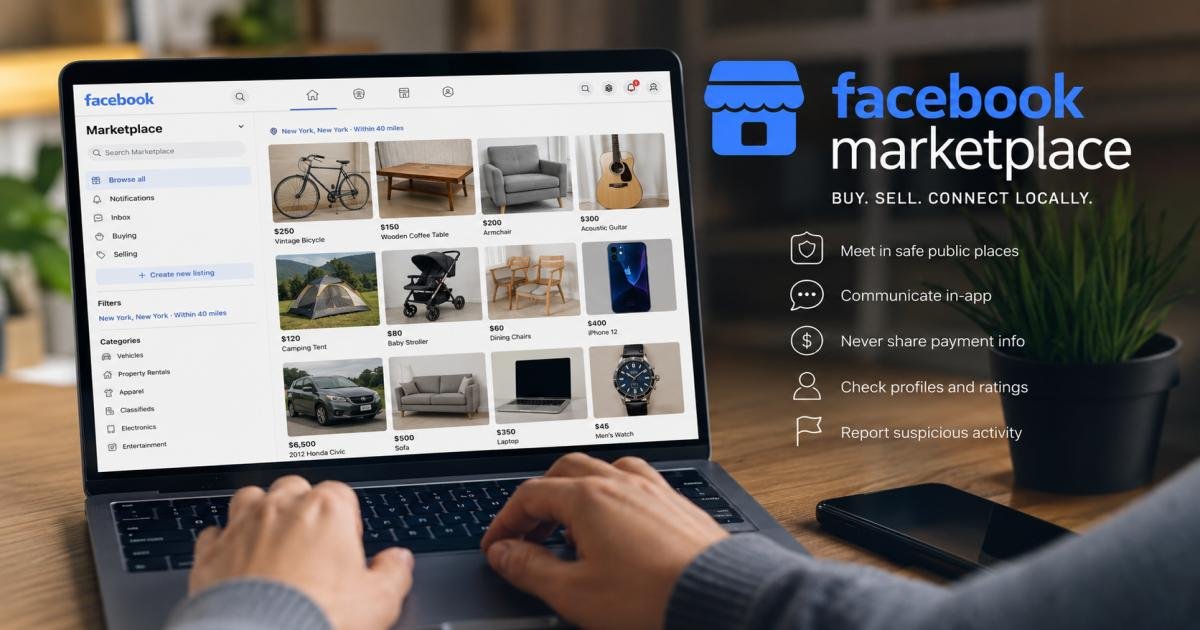

Many people type “the marketplace facebook” into a search bar when what they actually mean is Facebook Marketplace, the buying-and-selling feature built into the Facebook app. In plain terms, Facebook Marketplace is a free space inside Facebook where people list items for sale and browse what others nearby are selling. This guide covers what Marketplace is, how it works, how to find and sell items on it, how to spot the scams that target it, and how to complete a transaction without losing money or putting yourself at risk.
Facebook Marketplace is a free section inside the Facebook app for buying and selling items with people nearby, or shipping certain items nationwide. Local sales carry no Facebook fee at all. Shipped sales carry a 10% selling fee with an $0.80 minimum — a structure that sounds simple until a very cheap item pushes that minimum fee above 10% (more on that below). The platform itself isn’t the main risk in any of this — the stranger on the other end of the deal is — so the safety habits covered later in this guide matter more than any app setting ever could.
What Is the Marketplace Facebook?
Facebook Marketplace is a section inside Facebook where people list items for sale to others in their area or, for some categories, ship them to any interested buyer. Meta, Facebook’s parent company, tested an early version of Marketplace back in 2007, but it never really caught on. The version people use today launched in 2016 with a redesign built specifically around local buying and selling, and it grew fast — crossing 100 million users across 47 countries within its first month and passing 1 billion monthly users worldwide by 2021.
Marketplace is different from Facebook buy-and-sell groups, Facebook Shops, and a regular post advertising something for sale. Buy-and-sell groups are community-run spaces with their own admins and rules. Shops are storefronts built for registered businesses. A regular post is just a status update that shows up in a friend’s feed for a day or two. Marketplace, on the other hand, is a dedicated space for peer-to-peer buying and selling, complete with its own search, categories, and filters — and listings there can be found by anyone nearby, not just friends.
Anyone with a Facebook account can browse Marketplace, and in most regions an account is also required to list something for sale. Most transactions stay local: the buyer and seller live near each other, they message to agree on a price, and they meet in person to trade cash for the item. Some categories also support shipping through Facebook’s own checkout system, so a buyer can pay online and the item arrives by mail instead.
People use Marketplace to find almost anything secondhand: furniture, kitchenware, clothing, electronics, tools, bikes, musical instruments, and vehicles. Housing rentals and some job postings also show up in certain regions, though those categories work a little differently from a standard item listing.
How Does Facebook Marketplace Work?
From a buyer’s side, the process starts with browsing or searching. Facebook’s system shows listings from the local area first, then lets you widen or narrow the search from there. Filters let a buyer sort by category, price range, distance, and item condition, so a search for “coffee table” only turns up something realistic to buy this week. Facebook’s system also tends to surface listings similar to items a buyer has already searched for or viewed, so two people browsing the same category can see noticeably different results.
Every listing includes photos, a price, a short description, and a link to the seller’s profile. That profile often shows how long the account has existed, any Marketplace ratings from past buyers, and mutual friends if there happen to be any. This visibility is one of the things that sets Marketplace apart from a fully anonymous classifieds site — a buyer can take a look before ever sending a message.
Once a buyer finds something they want, they message the seller directly through Facebook’s chat. This is where people ask questions, request extra photos, or make an offer below the listed price. Bargaining is common and generally expected on used goods, though a lowball offer on an already reasonable price can come across as rude.
After the price and details are settled, the two sides agree on how to complete the exchange. For local items, that usually means picking a time and place to meet, with cash or a payment app changing hands on the spot. For an item sold through Facebook’s checkout with shipping, the buyer pays online first, and Facebook holds that payment until the item ships. Once the deal closes and the item changes hands, or arrives for a shipped order, both sides can leave each other a rating, which helps future buyers and sellers decide who to trust.
Also Read: What Is Instanomy and How Does It Work? Everything You Need to Know
How to Find and Buy Something on Facebook Marketplace
Search for an Item
Open Marketplace from the Facebook app or website and either browse the category list or type a specific term into the search bar. Narrow results by location radius, price, and condition to cut down on scrolling. Saving a search lets Facebook notify you the moment someone lists a match, which helps with items that tend to sell fast.
Contact the Seller
Message the seller through Marketplace chat rather than any outside app or phone number they might list. Ask straightforward questions: What is the reason for selling? Does the item have damage that isn’t visible in the photos? Is the price firm? A seller who answers clearly and doesn’t rush you is typically a good sign. One who pushes for an immediate decision or dodges simple questions is a reason to slow down.
Inspect the Item Before Paying
For anything bought in person, check that the item works and matches the listing before handing over money. Test electronics. Sit on furniture. Look for hidden damage on anything with moving parts. Once cash changes hands, getting a refund from a private seller is difficult, so this step is really the last real chance to catch a problem before it becomes yours.
How to Sell on Facebook Marketplace
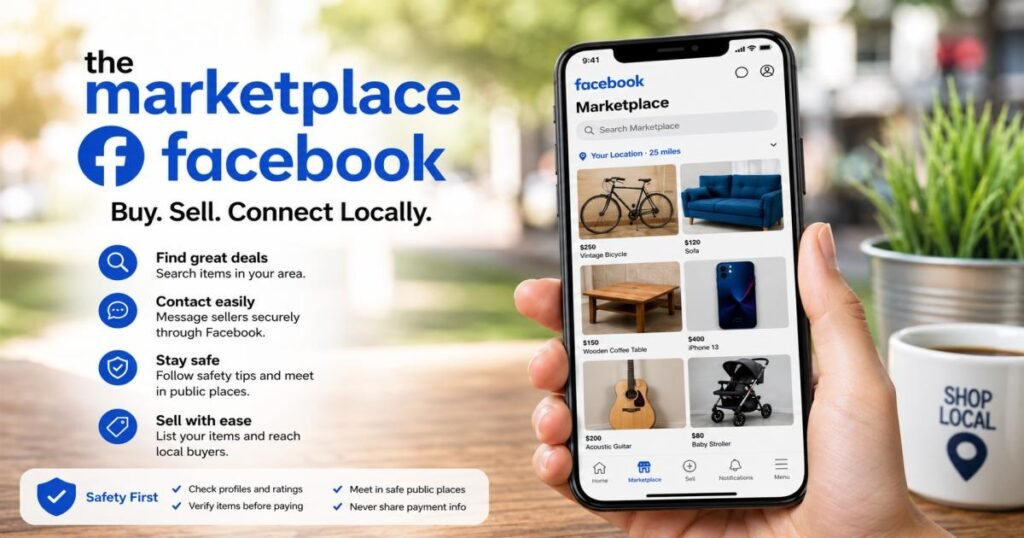
What You Can Sell on Marketplace
Most household items, clothing, electronics, furniture, and vehicles are fair game, along with handmade goods and some new retail items. Facebook’s commerce rules block certain categories outright, including weapons, live animals, recalled products, and anything counterfeit. Check Facebook’s current commerce policies before listing anything unusual, since Facebook does update these rules from time to time.
How to Create a Facebook Marketplace Listing
From the Marketplace tab, select the option to create a new listing, choose a category, and add clear photos taken in good light. Fill in a price, a location, and a description that covers the item’s condition honestly. Publishing the listing makes it visible to nearby users almost right away.
How to Write a Marketplace Listing That Gets Attention
Lead the description with the most useful detail: brand, size, age, or condition. Mention any flaws upfront rather than letting a buyer discover them later, since that builds trust and avoids wasted back-and-forth messages. Photos matter more than wording — a well-lit photo taken from a few angles typically draws more interest than a long paragraph of text. Price the item close to what similar listings are asking; overpricing is typically one of the most common reasons a listing sits untouched for weeks.
How Much Does Facebook Marketplace Cost?
Local pickup sales cost nothing. Shipped sales through Facebook’s checkout carry a 10% selling fee, with an $0.80 minimum on cheap items.
Creating a listing on Facebook Marketplace doesn’t cost anything, and that hasn’t changed since the feature launched. The cost question really only comes up around shipped sales.
For items sold locally, with the buyer picking up the item and paying cash or through a personal payment app, Facebook doesn’t take a cut at all — the fee is 0%. For items sold through Facebook’s checkout with shipping, Facebook currently charges a 10% selling fee, or a flat $0.80 minimum, whichever is greater. That minimum is more important than it may seem. On a $5 item, 10% works out to just $0.50, so the $0.80 minimum kicks in instead — an effective rate closer to 16%, not 10%. The fee itself goes toward payment processing and the buyer protection that comes with a payment made through Facebook’s own checkout.
These numbers can and do change, and they can vary by region or product category. Anyone selling regularly, especially through shipped checkout, should confirm the current rate on Facebook’s Marketplace Help Center before pricing an item, since a fee update can shift what’s actually worth listing that way versus locally.
Is Facebook Marketplace Safe?
Facebook Marketplace can be safe, but Facebook doesn’t screen listings or verify identities — safety depends mainly on the habits of the buyer and seller involved.
Facebook Marketplace can be a safe way to buy and sell, but the platform itself isn’t what makes a transaction safe — the people involved are. Facebook offers tools like profile visibility and buyer or seller ratings, but it doesn’t screen listings or verify every user’s identity the way a large retailer does.
Buyers face the risk of paying for something that never shows up, receiving a broken or fake item, or meeting someone unsafe in person. Sellers face a different set of risks: fake payment confirmations, buyers who try to steer the exchange toward an unsafe location, or a payment that gets reversed after an item has already shipped.
It helps to separate online fraud from physical-safety risk. Online fraud usually targets money — a fake payment, a phishing link, a scam that never even involves meeting in person. Physical-safety risk shows up specifically around in-person meetups, where the concern isn’t losing money but personal safety. Both deserve attention, but each calls for a different kind of precaution.
Facebook Buyer Protection adds a real layer of coverage, but only for purchases made through Facebook’s own checkout. It can cover an item that never arrives, or one that turns out significantly different from its description, and claims typically need to be filed within about 30 days. It doesn’t apply to cash handed over at an in-person meetup, which is why local deals rely entirely on the buyer inspecting the item first.
A price that looks too good is one of the clearest warning signs on Marketplace. A barely used laptop listed at a fraction of its market value, or a rental apartment priced well under everything nearby, usually means something is off — either the item doesn’t actually exist, or there’s a catch buried somewhere in the details.
Common Facebook Marketplace Scams to Watch For
Fake Payment or Payment Screenshot Scams
A buyer sends a screenshot that looks like proof of payment, then pressures the seller to hand over the item or ship it right away. Either the screenshot is fake, or the buyer never actually sent the payment it shows. Real proof of payment is money you can see and confirm in your own account or payment app — never a picture someone else sends you.
Overpayment and Refund Scams
A buyer sends more than the agreed price, then asks for the difference back, often through a wire transfer or gift cards. Banks usually reverse that original payment days later as fraudulent, leaving the seller out with both the refund and the item. Treat any unexpected overpayment as a scam attempt, not a mistake that needs correcting.
Fake Shipping or Delivery Scams
A buyer claims an item never arrived, or a seller sends a tracking number for a box that’s empty or never actually ships. When a buyer sends a prepaid shipping label instead of letting the seller buy one directly, that’s a frequent version of this scam — the label can quietly route to a different, cheaper package than the one it’s supposed to cover.
Phishing Links and Fake Facebook Messages
A message claims to come from Facebook, a shipping carrier, or a payment provider, and includes a link asking the recipient to log in or “verify” their account. The link leads to a fake page built to steal login details or card numbers. Facebook and legitimate carriers don’t typically ask for login verification through a Marketplace chat message.
Nonexistent Item Scams
A listing looks completely normal, but the item was never real to begin with. The seller collects payment upfront, usually pushing hard for shipping over local pickup, and then disappears. This is why paying before seeing an item in person, or before a shipped order goes through Facebook’s own checkout with buyer protection, carries real risk.
Counterfeit or Misrepresented Products
Photos show a name-brand item, but what arrives is a knockoff, or an item described as “like new” turns out to be heavily damaged. This shows up especially often with electronics, designer goods, and collectibles, where a buyer often can’t tell the difference from photos alone.
How to Buy Safely on Facebook Marketplace
Before agreeing to anything, look at the seller’s profile: how long the account has existed, whether there are any Marketplace ratings, and whether mutual friends show up. A brand-new account with no history and no ratings isn’t automatically a scam, but it is a reason to be more careful.
Ask for extra photos or details if a listing feels thin, and never rely only on a seller’s word or a screenshot as proof of anything. For in-person purchases, inspect the item fully before paying, and avoid clicking any link a seller sends outside of Facebook’s own systems.
Stick to payment methods that offer some level of protection, and for local deals, meet in a public location during daylight hours. Inform a friend or family member about your plans and expected return time. If a seller pushes hard for a fast decision, that pressure is itself a signal — a legitimate seller with a fairly priced item rarely needs to rush a buyer. When something feels wrong, it’s always fine to just walk away from the deal.
How to Sell Safely on Facebook Marketplace
Screen potential buyers the same way a buyer should screen a seller — check their profile and message history before agreeing to meet. Keep the conversation inside Facebook’s messaging system rather than switching to text or another app, because that keeps a record if something goes wrong later.
Avoid sharing more personal information than necessary; a buyer doesn’t need your home address, just a public meeting point. Never hand over an item based only on a payment screenshot — confirm the money has actually landed in your account or payment app first. For higher-value items, meeting in a well-monitored public place matters even more, and it’s perfectly reasonable to ask a buyer to meet somewhere specific rather than at your home. If a buyer proposes an unusual payment method, an odd meeting arrangement, or a last-minute change of plans that feels off, treat that as a sign to slow down or cancel the sale entirely — no matter how close the deal seemed to be done.
Where Is the Safest Place to Meet a Facebook Marketplace Buyer or Seller?
A public, well-lit spot with regular foot traffic is the safest choice for any in-person exchange — think a shopping center parking lot, a busy coffee shop, or a grocery store entrance. Many local police departments now set aside a monitored parking spot specifically for online marketplace exchanges, and using one of these spots where available adds a real layer of security.
Locations with visible security cameras add another layer of accountability, since both sides know the interaction is on record. An isolated spot, a private driveway, or a location suggested at the last minute carries more risk and is worth avoiding, even when it seems like the more convenient option.
Large items like furniture or appliances often require a meetup at the seller’s home, since they can’t easily be carried to a public spot. In that case, bringing another person along and meeting during daylight makes a real difference. Either way, telling someone you trust exactly where you’re going, who you’re meeting, and roughly when you’ll be back is a simple habit that costs nothing and adds a genuine layer of protection.
How to Check a Facebook Marketplace Seller or Buyer
A few things are worth checking before committing to a deal: how long the account has been active, any ratings left by past Marketplace buyers or sellers, and whether the profile has a real history of posts and activity rather than looking freshly created. Mutual friends, where visible, add a small amount of extra trust, though their absence doesn’t automatically mean anything is wrong.
How someone communicates says a lot too. A buyer or seller who answers questions directly, doesn’t dodge specifics, and isn’t rushing the deal is behaving normally. Someone who avoids simple questions, insists on moving off Facebook right away, or reacts oddly to a fair offer is worth a second look. Pricing behavior matters as well — a genuine seller rarely drops the price dramatically the moment a buyer shows interest, and a genuine buyer rarely offers well above the asking price out of nowhere.
Any combination of a brand-new account, refusal to answer basic questions, pressure to move fast, and an unusual payment request is enough reason to end the conversation, regardless of how good the listing looked at first glance.
What Should You Never Do on Facebook Marketplace?
Never click a payment or login link sent through Marketplace chat, and never share a password or a one-time security code with anyone, no matter what reason they give. Never treat a payment screenshot as actual proof that money has arrived — confirm it in your own account first. Never ignore small inconsistencies in a listing, like photos that don’t match the description or a price that’s dramatically lower than everything comparable.
Never rush into a high-value purchase or sale just because someone else seems to be in a hurry, and never agree to meet somewhere isolated, even if the other person insists it sounds convenient. Never hand over more personal information than a transaction actually requires, and never send payment for anything that hasn’t been reasonably verified, whether that means seeing it in person or confirming a shipped order through Facebook’s own checkout.
What to Do If You Get Scammed on Facebook Marketplace
Stop Communicating With the Scammer
End the conversation right away. Continuing to talk rarely recovers money or an item, and it sometimes gives a scammer more information or more time to pressure a second payment.
Report the Buyer, Seller, or Listing to Facebook
Facebook has a built-in reporting option on every profile and listing. Reporting a scam helps Facebook remove the account and can protect the next person who comes across the same listing.
Contact Your Bank or Payment Provider
If money has been sent, please contact the bank or your card provider. issuer, or payment app used as soon as possible. Some payment methods offer a chance to dispute or reverse a charge, especially if reported quickly, though this depends heavily on which method was used.
Report Serious Fraud to the Appropriate Authorities
For a significant financial loss, filing a report with local police and a relevant consumer protection agency creates an official record, which can matter for any later dispute or investigation, even if it doesn’t guarantee the money comes back.
How to Report a Facebook Marketplace Scam or Suspicious Listing
Reporting a seller usually means visiting their profile and selecting the report option, then choosing the reason that best fits — fraud, a fake listing, or harassment. Reporting a listing works the same way from the listing page itself, and both actions can typically be done without alerting the other person.
Before reporting, save any evidence: screenshots of the conversation, the listing itself, and any payment records. This makes both a Facebook report and, if needed, a bank dispute or police report much easier to follow through on. Anyone out a significant amount of money should contact their payment provider directly, since Facebook’s own reporting system isn’t built to reverse a transaction. Facebook’s Help Center keeps an updated safety section with reporting steps and current scam guidance — check it before any major transaction.
Facebook Marketplace Buying and Selling Tips for Specific Items
Buying and Selling Electronics
Ask for the serial number and confirm it isn’t reported lost or stolen. Test the item fully in person, including charging it and checking for water damage, before paying. Sellers should wipe personal data and reset accounts on any device before handing it over.
Buying and Selling Furniture
Check for structural stability, stains, and pest damage in person rather than trusting photos alone. Since furniture usually requires a home pickup, agreeing on timing and access in advance avoids an awkward or unsafe situation on move day.
Buying and Selling Cars
Always see the vehicle in person, check the title matches the seller’s identification, and get a vehicle history report before paying anything. A test drive and, ideally, an independent mechanic’s inspection are worth the extra time on any used car purchase.
Buying and Selling Collectibles
Ask for close-up photos of any marks, signatures, or authentication details, and research typical resale prices before agreeing to a number. Counterfeit collectibles are common enough that a buyer paying a serious amount should consider professional authentication before finalizing the deal.
Facebook Marketplace vs. Other Online Marketplaces
| Platform | Best For | Main Advantage | Main Consideration |
|---|---|---|---|
| Facebook Marketplace | Local and general secondhand goods | Free local listings and a large built-in audience | Scam risk and in-person meetup safety |
| eBay | Reaching buyers nationwide or worldwide | Wider reach beyond your local area | Selling fees run close to 13%, higher than Marketplace’s 10% shipped rate |
| Craigslist | Local classifieds, vehicles, and rentals | Simple, no-frills local listings | Fewer built-in safety and profile features |
| OfferUp | Local resale through a dedicated app | Purpose-built local marketplace experience with profile verification | Smaller audience than Facebook in most areas |
Final Takeaway
Facebook Marketplace is a free, widely used way to buy and sell items locally, with a shipping option available for some categories. It works because it’s simple: search or list an item, message the other person, agree on a price, and complete the exchange. But Facebook connects buyers and sellers — it doesn’t guarantee that either side is trustworthy, so that responsibility ultimately sits with the people involved in each transaction.
The core safety habits are worth repeating because they cover most situations: check the other person’s profile, meet in public for in-person deals, never trust a screenshot as proof of payment, and walk away from anything that feels rushed or slightly off. On the cost side, keep that $0.80 minimum fee in mind before pricing a cheap item for shipped checkout — local pickup is still the only way to pay nothing at all. Facebook updates its policies and safety guidance from time to time, so confirm the current rules before an unusual or high-value transaction.
FAQs
What is the marketplace Facebook?
The marketplace Facebook, more properly called Facebook Marketplace, is a free section inside the Facebook app where people buy and sell items with others nearby, or ship certain items through Facebook’s own checkout.
Is Facebook Marketplace free?
Yes. Listing an item is free, and local sales carry no Facebook fee at all. A 10% selling fee, with an $0.80 minimum, applies only to items sold through Facebook’s shipped checkout — and that minimum can push the real rate above 10% on very cheap items.
How does Facebook Marketplace work?
Sellers list items with photos and a price, buyers search or browse and message sellers directly, and both sides agree on a price and a way to complete the exchange, usually an in-person meetup or, for some items, shipping through Facebook’s checkout.
How do I access Facebook Marketplace?
Open the Facebook app and tap the Marketplace icon, or visit Facebook on desktop and select Marketplace from the menu. You need a Facebook account to use this feature.
Is Facebook Marketplace safe?
It can be, but safety depends mostly on the habits of the people using it, not the platform itself. Checking profiles, meeting in public, and never trusting a payment screenshot are the core habits that keep most transactions safe.
Can I sell anything on Facebook Marketplace?
No. Facebook’s commerce policies block certain categories, including weapons, live animals, recalled items, and counterfeit goods. Most everyday household items, clothing, electronics, and vehicles are allowed.
Why can’t I access Facebook Marketplace?
Marketplace isn’t available in every country, and some accounts face temporary restrictions for policy violations or unusual activity. Checking Facebook’s Help Center or your account status page usually clarifies which applies.
How do Facebook Marketplace ratings work?
After a transaction, both the buyer and seller can rate each other, and those ratings show up on a person’s profile for future users to see. A pattern of positive ratings is a reasonable, though not perfect, sign of a trustworthy user.




[…] social media for anything private, detailed, or urgent. Direct messages often sit unread for weeks, and you have […]
[…] total characters. This matters most for text with strict character limits think meta descriptions, social media bios, or ad copy. Where a word count alone won’t tell you if a headline fits a display box, a […]